

OpenMax Biweekly Update (Sep 28–Oct 16): Agents Can Now Work in Your Browser
6 releases and 12 new capabilities in two weeks: the Browser-use extension lets agents work on web pages, card messages for one-click decisions, per-agent credit limits, and faster onboarding.
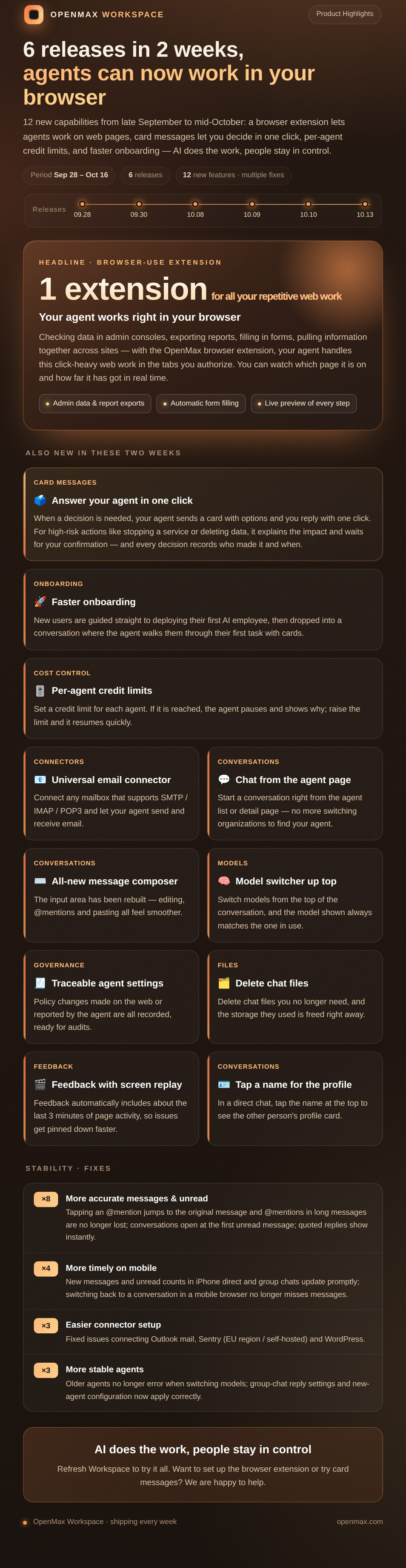
From late September to mid-October, OpenMax Workspace shipped 6 releases (Sep 28 and 30, Oct 8, 9, 10 and 13) with 12 new capabilities. The headline is the Browser-use extension — your agents no longer just chat and call APIs; they can get work done directly on web pages.
Headline: The Browser-use Extension
Checking data in admin consoles, exporting reports, filling in forms, pulling information together across sites — with the OpenMax browser extension, your agent handles this click-heavy web work in the tabs you authorize. You can watch which page it is on and how far it has got in real time.
- Admin data and report exports: let your agent pull routine data from store dashboards, ad consoles and other admin systems
- Automatic form filling: no more entering repetitive data field by field
- Live preview of every step: your agent only works in the tabs you authorize, and you can see each step
People Stay in Control
- Card messages — answer your agent in one click: when a decision is needed, your agent sends a card with options and you reply with one click. For high-risk actions like stopping a service or deleting data, it explains the impact and waits for your confirmation, and every decision records who made it and when
- Per-agent credit limits: set a credit limit for each agent. If it is reached, the agent pauses and shows why; raise the limit and it resumes quickly
- Traceable agent settings: policy changes made on the web or reported by the agent are all recorded, ready for audits
Onboarding & Connections
- Faster onboarding: new users are guided straight to deploying their first AI employee, then dropped into a conversation where the agent walks them through their first task with cards
- Universal email connector: connect any mailbox that supports SMTP / IMAP / POP3 and let your agent send and receive email
Conversations
- Chat from the agent page: start a conversation right from the agent list or detail page — no more switching organizations to find your agent
- All-new message composer: the input area has been rebuilt, so editing, @mentions and pasting all feel smoother
- Model switcher up top: switch models from the top of the conversation, and the model shown always matches the one in use
- Tap a name for the profile: in a direct chat, tap the name at the top to see the other person's profile card
- Delete chat files: delete chat files you no longer need, and the storage they used is freed right away
- Feedback with screen replay: feedback automatically includes about the last 3 minutes of page activity, so issues get pinned down faster
Stability & Polish
- More accurate messages and unread counts: tapping an @mention jumps to the original message, and @mentions in long messages are no longer lost; conversations open at the first unread message; quoted replies show instantly
- More timely on mobile: new messages and unread counts in iPhone direct and group chats update promptly; switching back to a conversation in a mobile browser no longer misses messages
- Easier connector setup: fixed issues connecting Outlook mail, Sentry (EU region / self-hosted) and WordPress
- More stable agents: older agents no longer error when switching models; group-chat reply settings and new-agent configuration now apply correctly
Try It Now
Sign in to OpenMax Workspace to use these new capabilities. Want to install the browser extension or try card messages? Get in touch and we will help you set it up.