

Quick answer
Start with the business decision, restrict the agent to consented call notes, verified commitments, approved product facts, meeting attendees, next-step dates, and brand tone, require a concise email draft with verified recap, owner-specific actions, due dates, and one clear CTA, and name the person who approves consequential actions.
This guide is for: revenue, operations, marketing, support, and enablement teams that need repeatable work with visible ownership.
An automated follow-up is a governed send decision, not a mail-merge shortcut
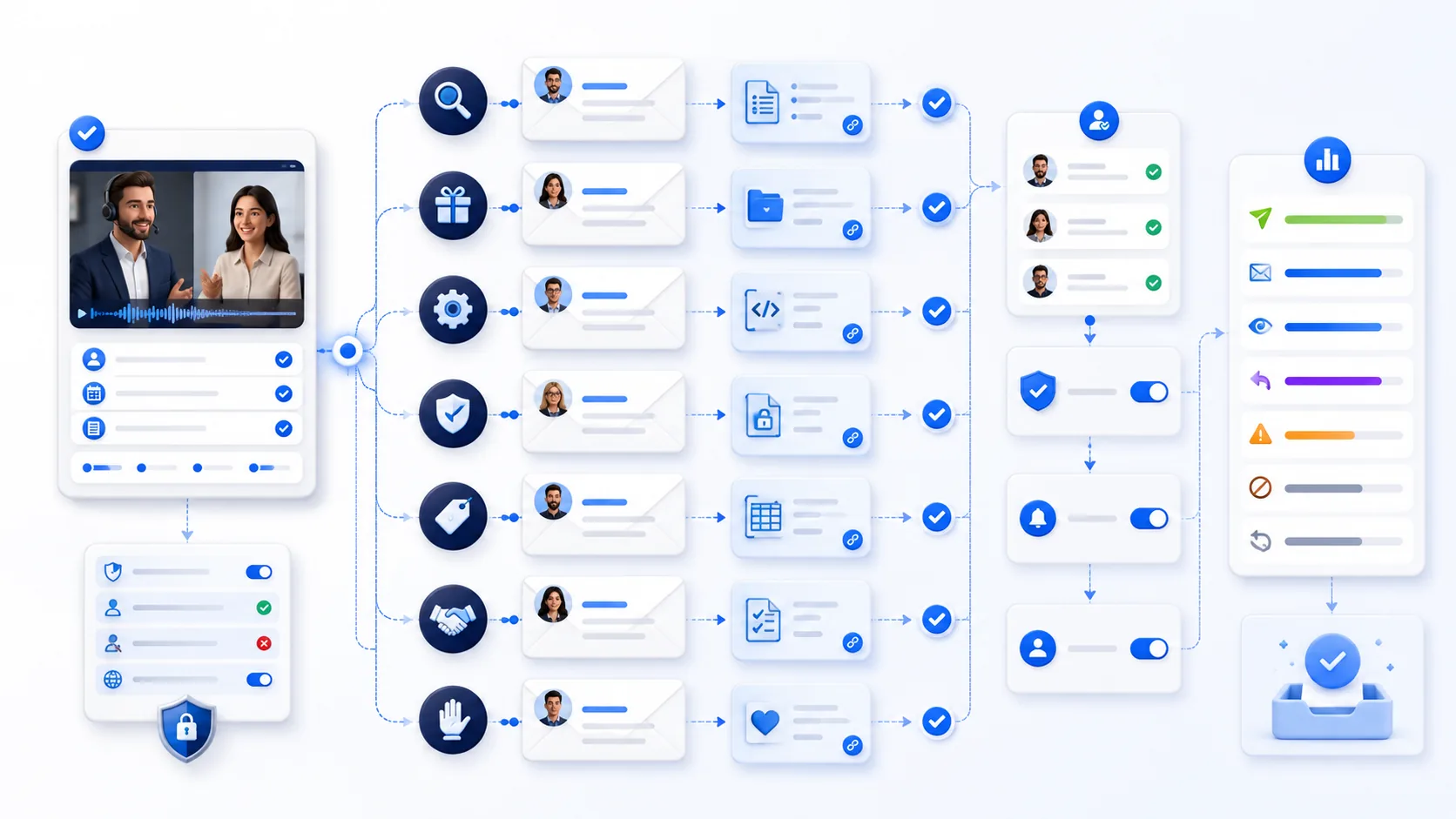
The workflow must first decide whether this recipient, message purpose, sender, channel, and time are allowed. Only then should it select a template, ground every personalized statement in call or CRM evidence, obtain the required approval, send once, and process replies, bounces, and opt-outs.
Classify the message before drafting
Separate a requested resource or already-agreed action from commercial promotion. The legal and provider treatment of transactional, relationship, and marketing content can differ. Mixing promotional copy into an otherwise expected follow-up may change how the message is understood.
Silence is not consent or interest
A meeting does not create unlimited permission to email. A no-response sequence needs an explicit cap, cooling period, global suppression check, easy opt-out where required, and a final closeout that ends automation rather than manufacturing urgency.
The seven send gates
| Gate | Required evidence | Hold or stop when |
|---|---|---|
| Purpose | Message class, relationship, requested/expected action, jurisdiction policy | Purpose is mixed, unclear, or outside the permitted use |
| Recipient | Verified address, role/context, consent or applicable basis, do-not-contact and suppression state | Identity, address source, eligibility, or preference is uncertain |
| Evidence | Call/CRM IDs, exact facts, commitments, owners, dates, resource version | Material wording depends on inference, stale data, or conflict |
| Content | Truthful sender/subject, narrow purpose, safe links, required disclosures and footer | Subject, identity, claims, tracking, or attachments are misleading or unapproved |
| Authority | Template policy, sender ownership, field-level or legal/security/pricing review | Automation lacks authority for the promise or claim |
| Timing | Recipient locale/time zone, promised time, business calendar, sequence cap, dedupe key | Too soon, too frequent, after expiry, or already sent/replied |
| Feedback | Message ID, delivery state, reply, bounce, complaint, opt-out, task and audit updates | Hard bounce, complaint, opt-out, invalid address, or manual takeover occurs |
7 automated sales follow-up emails
These are reviewable drafts with send controls—not permission to contact any address or make unverified promises.
Discovery recap
Use after a discovery call when the participant expects a written recap and the facts can be traced to the call.
Requested resource delivery
Deliver exactly what the recipient requested, with the correct version, access rights, purpose, and no hidden promotional expansion.
Technical answer follow-up
Send a reviewed answer to a specific technical question; preserve assumptions and unresolved parts.
Security or legal handoff
Acknowledge a request and route it to an authorized owner without making compliance or contract commitments.
Pricing discussion recap
Preserve what was quoted, what was illustrative, applicable conditions, validity, and approval state.
Mutual action plan check-in
Confirm a specific joint plan from accepted actions, owners, dependencies, and dates—not from the seller’s desired timeline.
No-response closeout
Use only after an allowed, capped sequence; remove pressure and end automation cleanly.
Worked example: tentative pricing is not an approved offer
This hypothetical case demonstrates evidence and approval handling; it is not a customer email or legal interpretation.
What the audit record should prove
It should show the source call/version, recipient eligibility, suppression result, template version, resolved variables, link/attachment checks, reviewer decisions, send time, message ID, and feedback events—without retaining more personal data than needed.
How to implement and test follow-up automation
Create a policy matrix
Map message class, recipient/region, relationship, lawful or permitted basis, disclosures, opt-out, owner, and send cap.
Bind variables to evidence
Each fact, action, date, person, price, link, and attachment resolves from an allowed record with version and fallback.
Test stop conditions first
Cover opt-out, suppression, reply, out-of-office, bounce, complaint, changed owner, expired link, duplicate event, and stale approval.
Monitor by message class
Track eligibility holds, edit/reject rates, duplicates prevented, bounces, complaints, opt-outs, replies, manual takeover, and correction.
How OpenMax supports this workflow
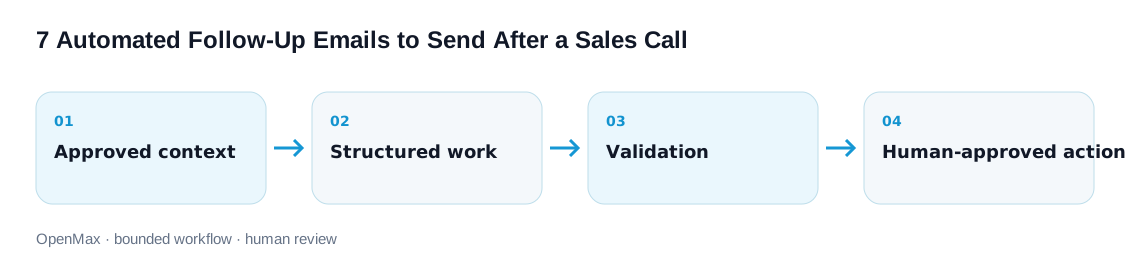
From prompt to governed OpenMax workflow
OpenMax can turn a reviewed instruction into an AI employee workflow with shared context, tool connections, task ownership, logs, and human review. The template defines the job; permissions and approval gates control what can happen next.
Limits and human-review boundaries
Email requirements differ across jurisdictions and contexts. A template or software setting does not establish a lawful or permitted basis.
- Do not send when identity, address source, purpose, recipient eligibility, suppression, opt-out, or do-not-contact state is uncertain.
- Use truthful sender information and subject lines; never fake a reply/forward, prior relationship, urgency, scarcity, quote, approval, or commitment.
- Do not infer sensitive traits or use private/surveillance-like details for personalization.
- Require authorized review for pricing, legal, privacy, security, compliance, roadmap, SLA, contract, and customer commitments.
- Implement authentication, unsubscribe where applicable, complaint/bounce handling, rate controls, retention, correction, deletion, and audit with qualified owners.
Frequently asked questions
What makes a good automated sales follow-up emails workflow?
A clear outcome, approved sources, explicit boundaries, a structured output, and a named review or escalation point.
Can the AI take action automatically?
Only if the action is explicitly permitted, technically constrained, logged, reversible where possible, and appropriate for the workflow risk.
How should teams test these entries?
Use a small labeled set containing normal, missing, conflicting, stale, and adversarial inputs. Record failures and revise the workflow, not just the wording.
Where does OpenMax fit?
OpenMax coordinates AI employees, shared context, connected tools, workflow ownership, and human review for repeated business work.
Are the examples guaranteed to improve results?
No. They are structured starting points. Results depend on models, source quality, tools, policy, evaluation, and reviewer judgment.
Sources, editorial method, and limitations
OpenMax editors reviewed current government, provider, platform, and standards guidance for commercial email, direct marketing, sender authentication, unsubscribe, and automated sequences. We translated those mechanisms into seven governed send gates and seven evidence-specific follow-ups, then independently added claim provenance, approval boundaries, idempotency, stop conditions, and feedback handling. Sources were reviewed September 3, 2026. No legal compliance, inbox placement, open/reply rate, revenue, or customer result is claimed.
- U.S. FTC — CAN-SPAM Act: A Compliance Guide for Business — commercial-message scope, truthful headers/subjects, address, opt-out, honoring requests, and sender responsibility.
- UK ICO — Direct marketing using electronic mail — detailed electronic-mail marketing guidance under PECR and data-protection context.
- Google Gmail — Email sender guidelines — authentication, accurate identity/content, unsubscribe, spam rates, formatting, and sending practices.
- Google Gmail — Sender guidelines FAQ — one-click unsubscribe scope, implementation, and sender compliance status.
- HubSpot Knowledge Base — Create and edit sequences — automated-email steps, timing, tasks, and sequence settings.
- IETF RFC 8058 — Signaling One-Click Functionality for List Email Headers — standardized one-click unsubscribe signaling for list email.